Elementor Motion: a complete guide to GSAP animation in Elementor 4
Add reusable motion to existing widget content and containers. Follow the native field controls, compose timelines, and check the result on your published page.
Read the guideGuides from the product team
Practical guides for Gutenberg and Elementor 4. Follow the actual controls, choose the right target, and build motion your visitors can use.
6 guides
Add reusable motion to existing widget content and containers. Follow the native field controls, compose timelines, and check the result on your published page.
Read the guideKeep your existing blocks. Learn how presets, contextual targets, timelines and triggers work together, from one heading to a complete motion-ready page.
Read the guideAnimate the complete heading, its lines, words or characters without replacing the Heading block. Follow a real configuration and learn what to check before publishing.
Read the guideMove a block, its direct children or specific text. Understand List versus List Item, Buttons versus Button, and placement sequencing versus preset stagger.
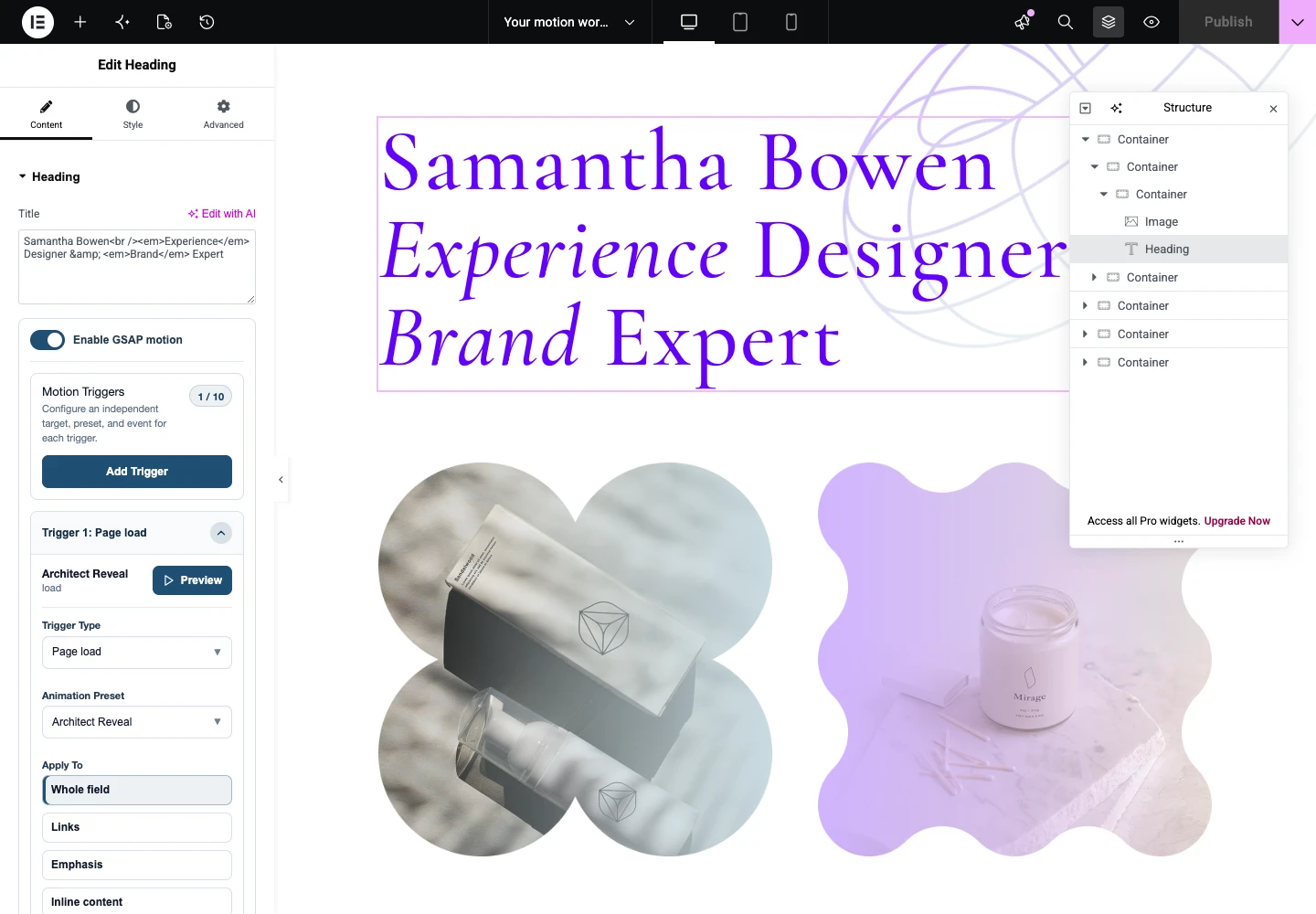
Read the guideUse the Title field controls instead of a replacement widget. Choose the right target and event, preview the actual heading, and verify its saved frontend result.
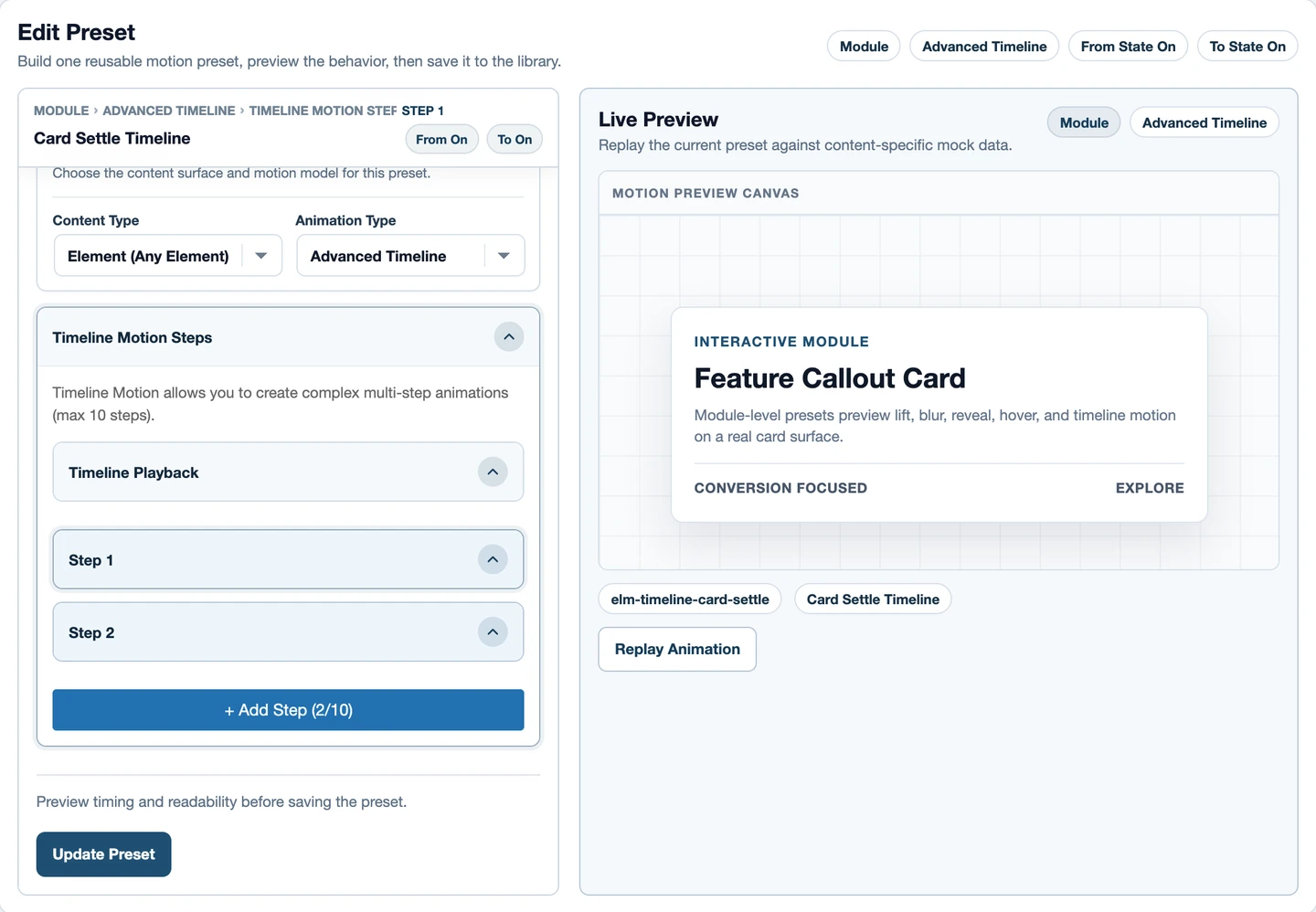
Read the guideBuild a sequence once, attach it to the right layer, and avoid competing animations. A practical guide to timeline timing, direct children, stagger and scroll playback.
Read the guide